Deprecated: Optional parameter $shortcode declared before required parameter $args is implicitly treated as a required parameter in /home/ashishka/public_html/wp-content/plugins/wp-cirrus/wp-cirrus.php on line 331

Warning: Cannot modify header information - headers already sent by (output started at /home/ashishka/public_html/wp-content/plugins/wp-cirrus/wp-cirrus.php:331) in /home/ashishka/public_html/wp-content/plugins/all-in-one-seo-pack/app/Common/Meta/Robots.php on line 89

Warning: Cannot modify header information - headers already sent by (output started at /home/ashishka/public_html/wp-content/plugins/wp-cirrus/wp-cirrus.php:331) in /home/ashishka/public_html/wp-includes/feed-rss2.php on line 8
Install Softaculous | Web Hosting Stuff https://www.ashishkale.in Get solutions under one roof Wed, 16 Sep 2015 04:53:08 +0000 en-US hourly 1 How to Install Softaculous in Plesk Linux https://www.ashishkale.in/how-to-install-softaculous-in-plesk-linux/ https://www.ashishkale.in/how-to-install-softaculous-in-plesk-linux/#respond Mon, 14 Sep 2015 07:17:08 +0000 http://www.ashishkale.in/?p=764 It’s similar process as both for DirectAdmin and cPanel, the installation process for Plesk is similar. The following article will show you How to install Softaculous on Plesk Linux Step 1 : Before starting the installation make sure ionCube Loaders are enabled. Step 2 : Login to your Plesk server as root via SSH. Step 3 : Enter the following commands: cd /usr/local && [...]

The post How to Install Softaculous in Plesk Linux first appeared on Web Hosting Stuff.

]]>

How-to-Install-Softaculous-in-Plesk-Linux

It’s similar process as both for DirectAdmin and cPanel, the installation process for Plesk is similar. The following article will show you

How to install Softaculous on Plesk Linux

Step 1 : Before starting the installation make sure ionCube Loaders are enabled.

Step 2 : Login to your Plesk server as root via SSH.

Step 3 : Enter the following commands:

cd /usr/local &&
wget -N http://www.softaculous.com/pl/install_softaculous.php &&
chmod 755 install_softaculous.php &&
/usr/bin/php -d open_basedir=/ -d safe_mode=0 -d disable_functions=”” /usr/local/install_softaculous.php


The installation of Softaculous is completed

You will see following Screen 
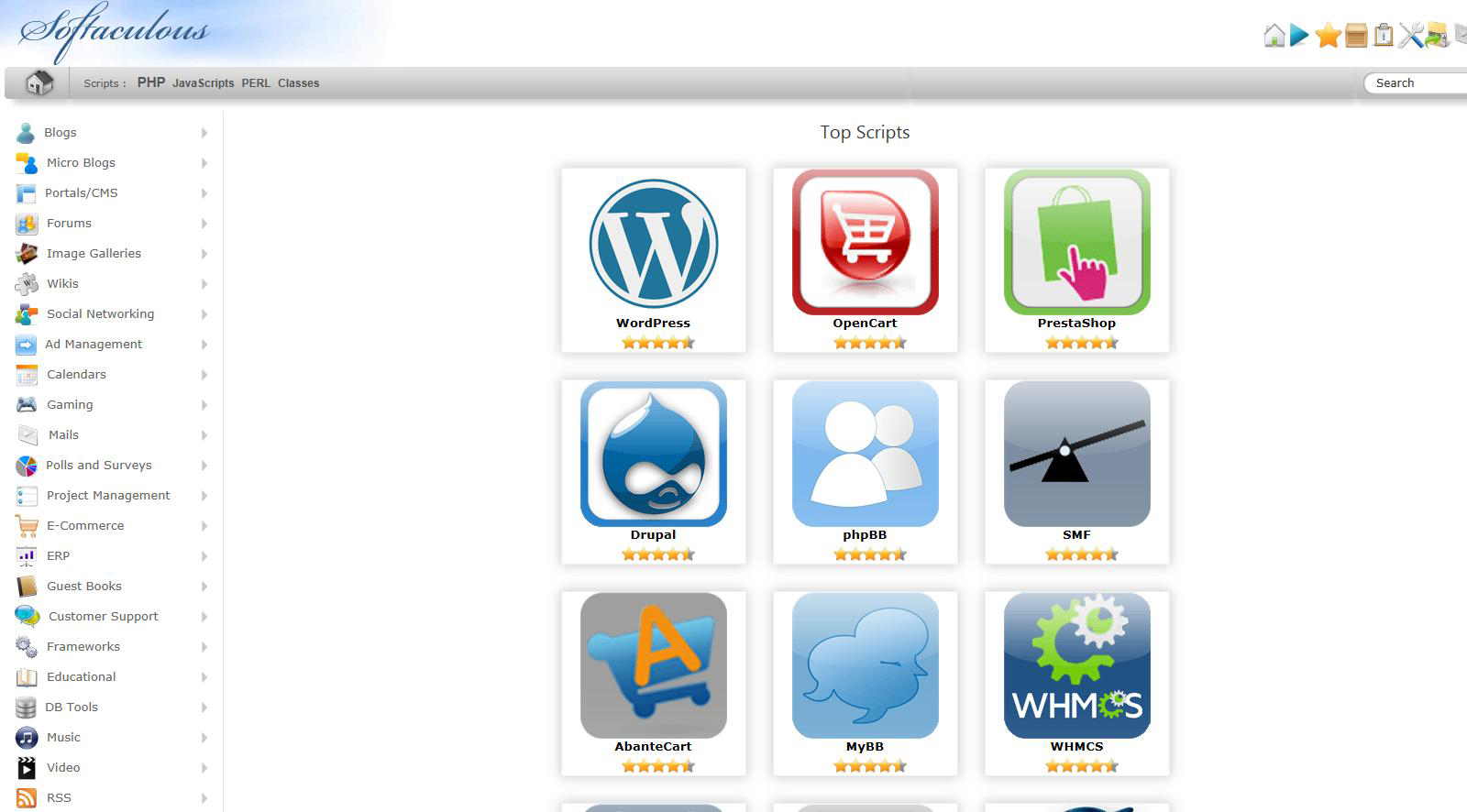
Softaculous for Plesk


If you wish to finish the installation quickly then,

Download the script packages in the background by using the following method.


wget -N http://files.softaculous.com/install.sh
chmod 755 install.sh
./install.sh –quick

pleskicon

Upon completion,

Step 1 : Login to your Plesk server as the administrator.

Step 2 : you’ll notice a new text link appear, clearly labeled as: Softaculous Auto Installer.


The post How to Install Softaculous in Plesk Linux first appeared on Web Hosting Stuff.

]]>
https://www.ashishkale.in/how-to-install-softaculous-in-plesk-linux/feed/ 0