Deprecated: Optional parameter $shortcode declared before required parameter $args is implicitly treated as a required parameter in /home/ashishka/public_html/wp-content/plugins/wp-cirrus/wp-cirrus.php on line 331

Warning: Cannot modify header information - headers already sent by (output started at /home/ashishka/public_html/wp-content/plugins/wp-cirrus/wp-cirrus.php:331) in /home/ashishka/public_html/wp-content/plugins/all-in-one-seo-pack/app/Common/Meta/Robots.php on line 89

Warning: Cannot modify header information - headers already sent by (output started at /home/ashishka/public_html/wp-content/plugins/wp-cirrus/wp-cirrus.php:331) in /home/ashishka/public_html/wp-includes/feed-rss2.php on line 8
Install CloudLinux OS | Web Hosting Stuff https://www.ashishkale.in Get solutions under one roof Thu, 01 Feb 2024 09:45:57 +0000 en-US hourly 1 How to Install CloudLinux OS with Webuzo Control Panel https://www.ashishkale.in/how-to-install-cloudlinux-os-with-webuzo-control-panel/ https://www.ashishkale.in/how-to-install-cloudlinux-os-with-webuzo-control-panel/#respond Thu, 01 Feb 2024 09:43:06 +0000 https://www.ashishkale.in/?p=1188 Learn how to install CloudLinux OS with Webuzo Control Panel. It is an operating system for multi–tenancy of shared servers. Each customer gets a unique environment, which partitions, allocates, and limits server resources like memory CPU, and connections for each tenant. Steps to Install CloudLinux OS Supported CloudLinux versions: CloudLinux 8.x, CloudLinux 9.x You need to install CloudLinux OS and [...]

The post How to Install CloudLinux OS with Webuzo Control Panel first appeared on Web Hosting Stuff.

]]>
Learn how to install CloudLinux OS with Webuzo Control Panel. It is an operating system for multi–tenancy of shared servers. Each customer gets a unique environment, which partitions, allocates, and limits server resources like memory CPU, and connections for each tenant.

Steps to Install CloudLinux OS

Supported CloudLinux versions: CloudLinux 8.x, CloudLinux 9.x

You need to install CloudLinux OS and the guide to follow the instructions:

https://docs.cloudlinux.com/cloudlinux_installation/

Note: Don’t forget to reboot the OS once CloudLinux is installed.

Step to Install CloudLinux Plugin

After rebooting the CloudLinux OS, the next is to install the CloudLinux plugin in Webuzo. To get the installed plugin, you have to run the following command.  

wget -N https://files.webuzo.com/plugins/cloudlinux/cloudlinux.sh
chmod +x cloudlinux.sh
./cloudlinux.sh

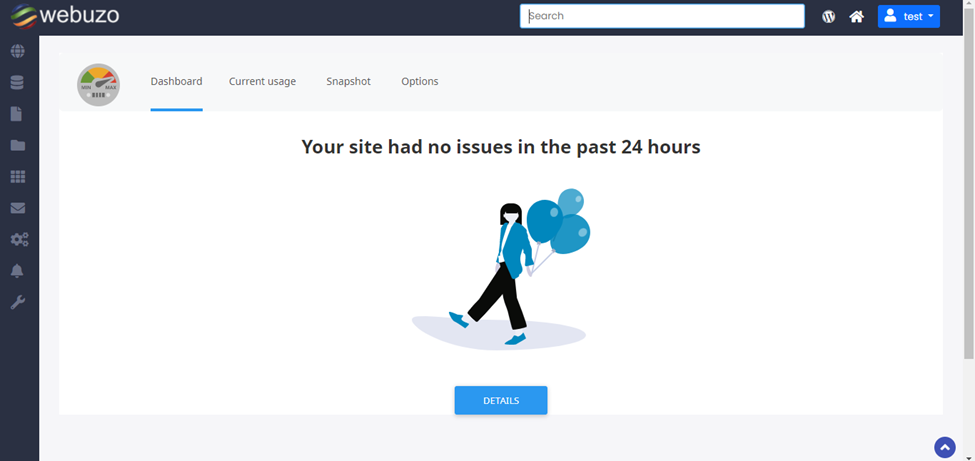
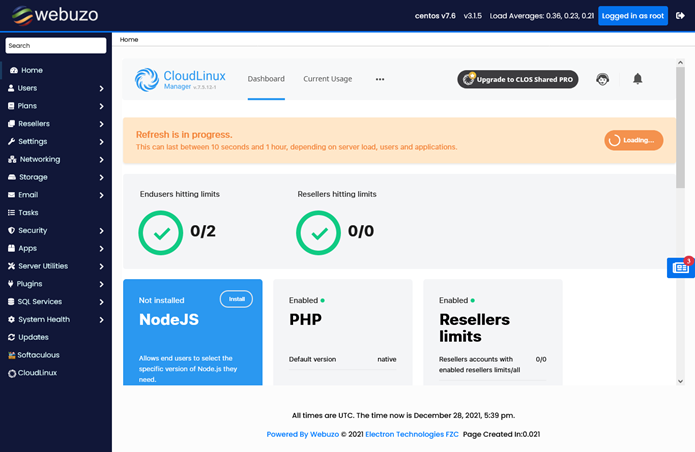
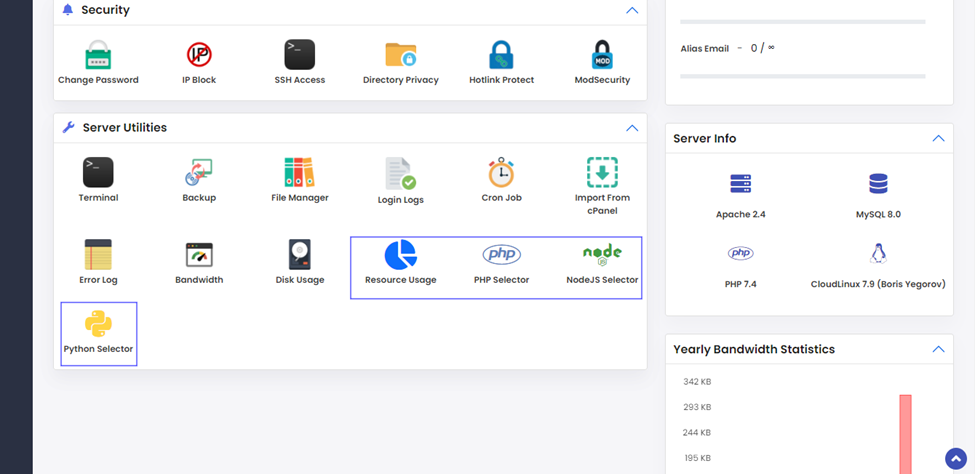
Install the CloudLinux plugin in Webuzo and allow users and admins to check the CloudLinux utilities.

Note: To eliminate the error showing “reboot the server in the correct kernel in Webuzo Tasks, then opt for right kernel for CloudLinux OS with ‘Ive’ in the name. 

Admin Panel Screenshot
Enduser Panel Screenshot
The post How to Install CloudLinux OS with Webuzo Control Panel first appeared on Web Hosting Stuff.

]]>
https://www.ashishkale.in/how-to-install-cloudlinux-os-with-webuzo-control-panel/feed/ 0