Deprecated: Optional parameter $shortcode declared before required parameter $args is implicitly treated as a required parameter in /home/ashishka/public_html/wp-content/plugins/wp-cirrus/wp-cirrus.php on line 331

Warning: Cannot modify header information - headers already sent by (output started at /home/ashishka/public_html/wp-content/plugins/wp-cirrus/wp-cirrus.php:331) in /home/ashishka/public_html/wp-content/plugins/all-in-one-seo-pack/app/Common/Meta/Robots.php on line 89

Warning: Cannot modify header information - headers already sent by (output started at /home/ashishka/public_html/wp-content/plugins/wp-cirrus/wp-cirrus.php:331) in /home/ashishka/public_html/wp-includes/feed-rss2.php on line 8
How to Install MODx in cPanel | Web Hosting Stuff https://www.ashishkale.in Get solutions under one roof Sat, 15 Aug 2015 12:32:55 +0000 en-US hourly 1 How to Install MODx using Softaculous in cPanel https://www.ashishkale.in/how-to-install-modx-using-softaculous-in-cpanel/ https://www.ashishkale.in/how-to-install-modx-using-softaculous-in-cpanel/#respond Sat, 15 Aug 2015 12:29:37 +0000 http://www.ashishkale.in/?p=566 What is MODx? MODx is an open source Content Management System and Application Framework. Initially inspired by Etomite 0.6, MODx is an ongoing project written by Raymond Irving and a core team of contributors at the MODx Project. MODx is distributed under the GPL license and is now run by a professional team of developers from all over the world. [...]

The post How to Install MODx using Softaculous in cPanel first appeared on Web Hosting Stuff.

]]>
What is MODx?

MODx is an open source Content Management System and Application Framework. Initially inspired by Etomite 0.6, MODx is an ongoing project written by Raymond Irving and a core team of contributors at the MODx Project. MODx is distributed under the GPL license and is now run by a professional team of developers from all over the world.
Install MODx

How to Install MODx using Softaculous in cPanel

Follow these steps to install MODx using Softaculous

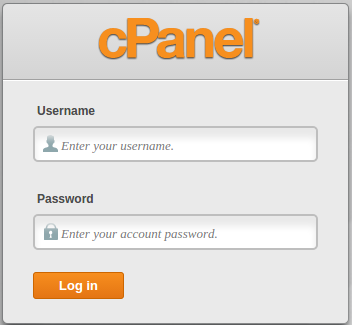
1) Login to the Cpanel
 

cpanel-login-page


2) Click on the Softaculous icon in the Software/Services section of cPanel. The Softaculous installer page appears.


Install_Softaculous


3) Go to the top right corner and click on the Search field. type modx and then press Enter.

Search box

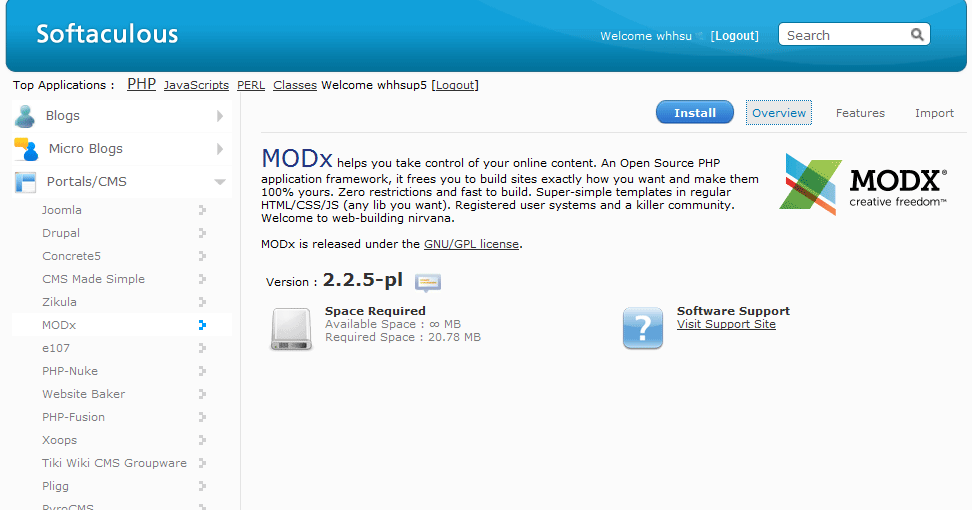
4) Go to the top right and click on the blue button labeled Install.
 

modx-install


5) Fill out all of information the boxes.

6) In Directory type the name of a new directory you would like created.


MoDx software setup


7) By default, the box will be left blank to install the software into your main directory.

8) When you are finished, Click Install.
 

MODx Installed successfully


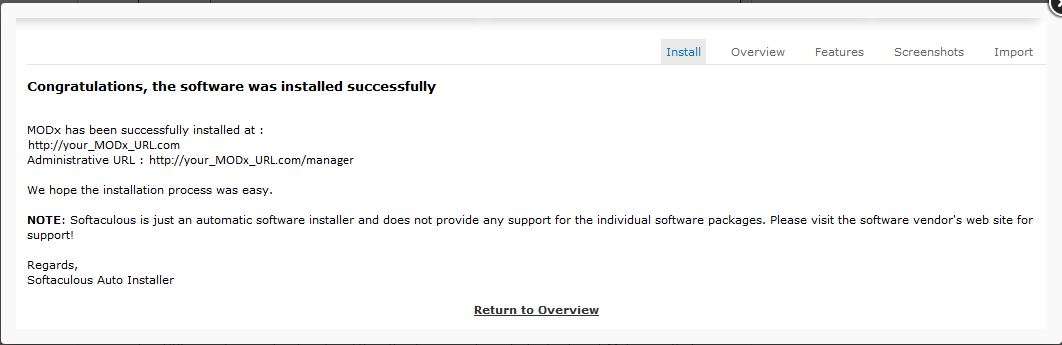
9) Then you will get a Confirmation page of your installation.


The post How to Install MODx using Softaculous in cPanel first appeared on Web Hosting Stuff.

]]>
https://www.ashishkale.in/how-to-install-modx-using-softaculous-in-cpanel/feed/ 0